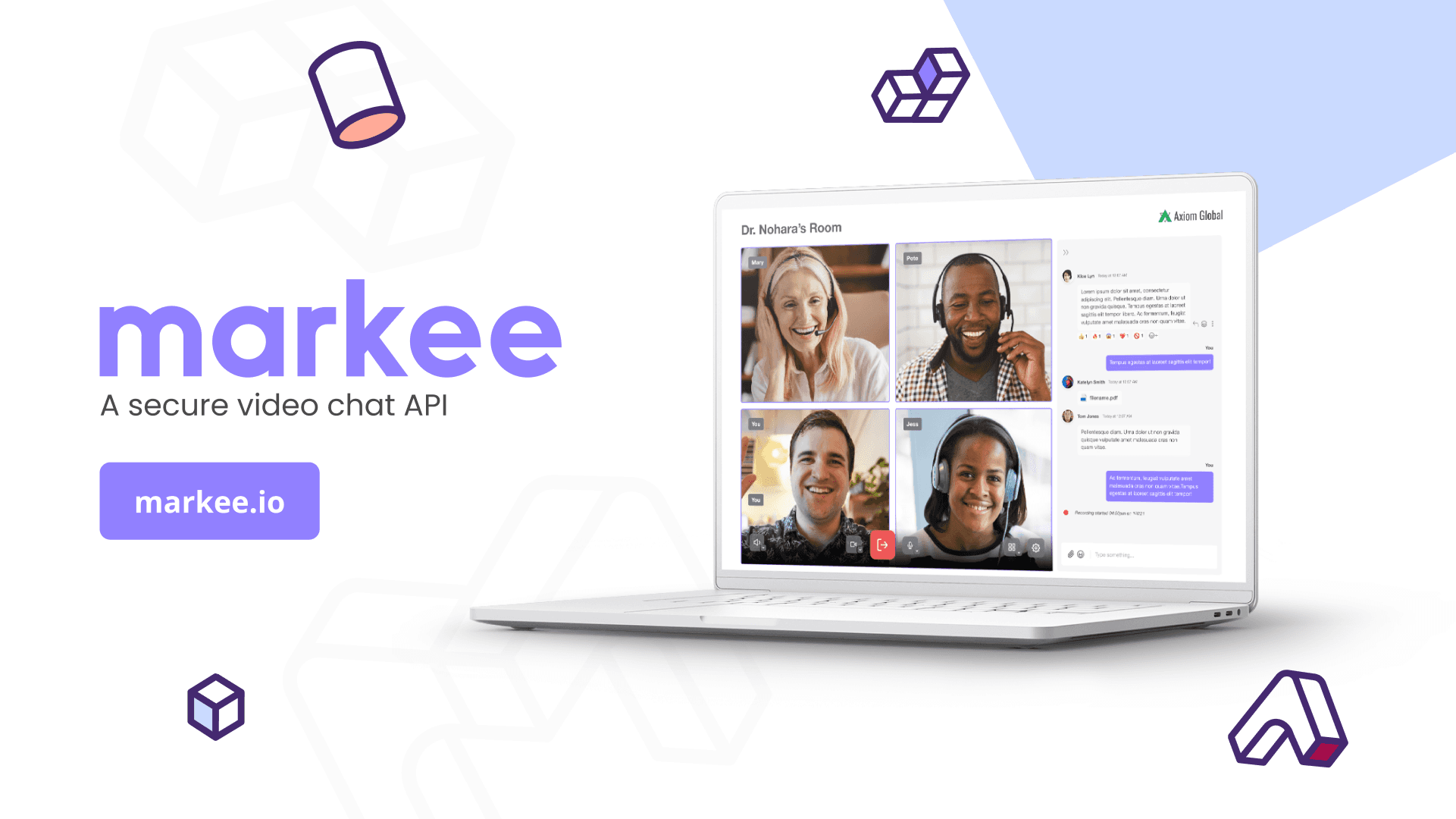
Markee.io
Storyboard, component and vector design for animation.
Role
Vector Designer
Client
Markee.io
Product
Storyboard
Duration
1 Months
FINAL PRODUCT
PROCESS
We began the storyboard process by first defining the user journey and identifying key touchpoints that needed visual representation. Using low-fidelity sketches, we defined different scenarios, key frames, and desired animations, along with the story and transitions between elements or scenarios.
This approach helped us visualize the flow, anticipate challenges, and align with the client’s vision.
ELEMENTS
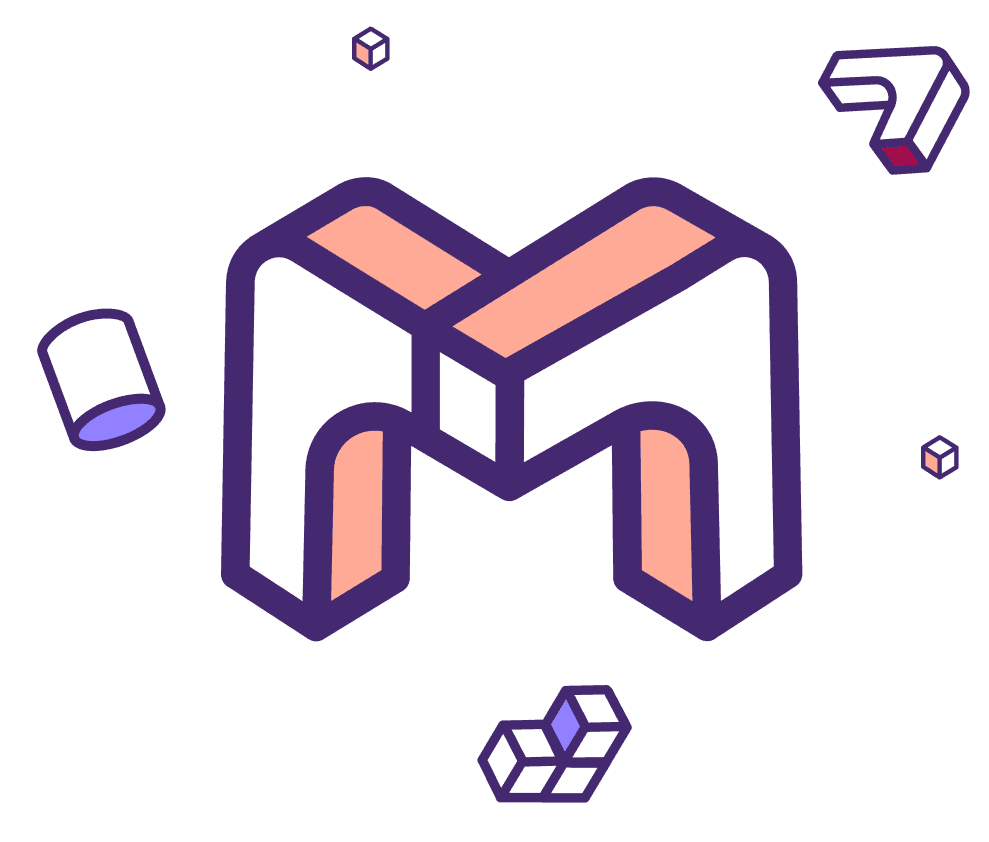
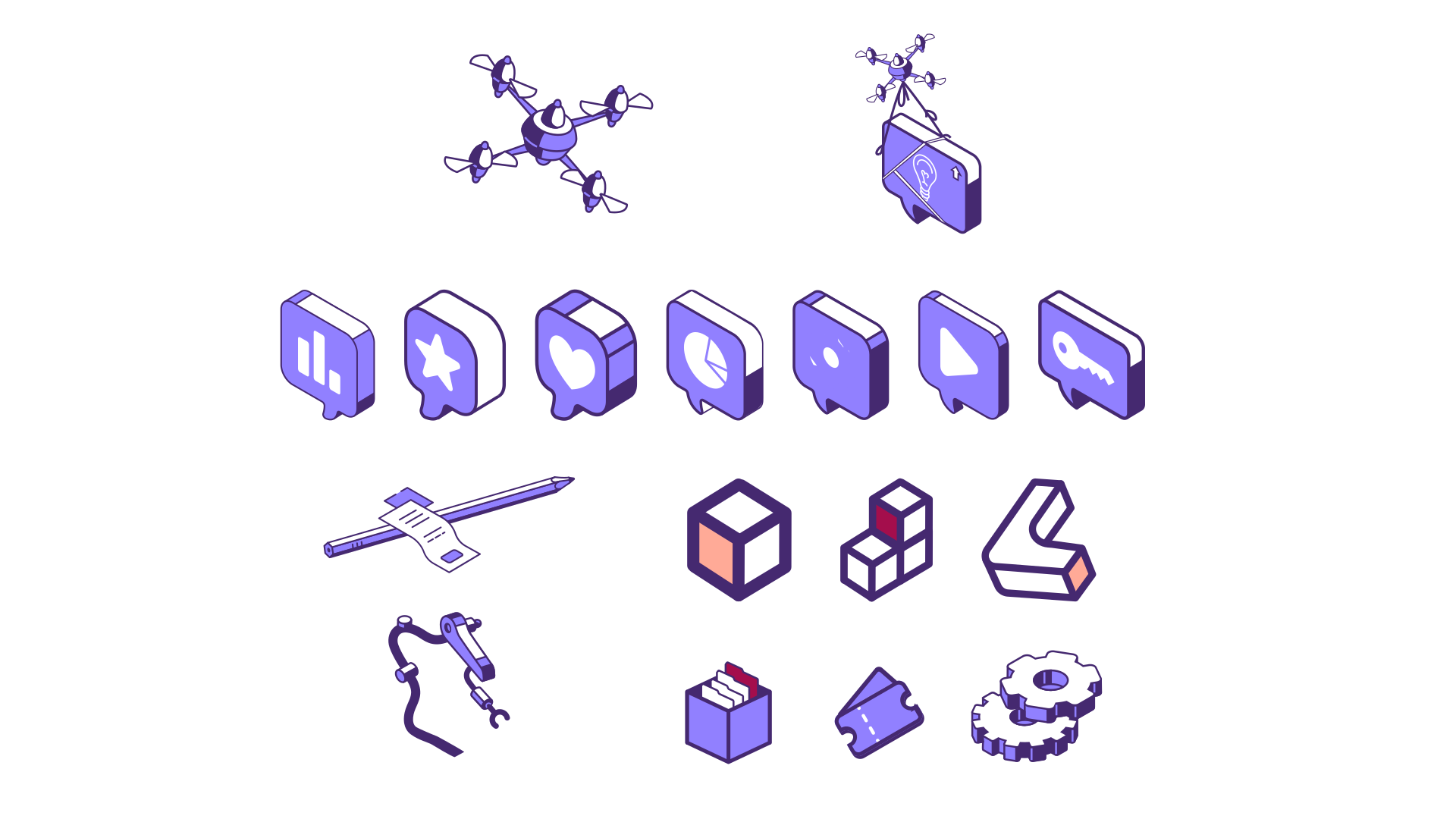
The following elements were extracted and identified from the brand, serving as the basis for the creation of the color palette, characteristic elements, and the logo.
COLOR PALETTE






ELEMENTS




ICON & LOGO

Scene #1
Speech: "For developers looking to add video chat to their product without building from scratch, there hasn’t always been a ton of options."
Keywords: #bugs, #multiple, #laptops
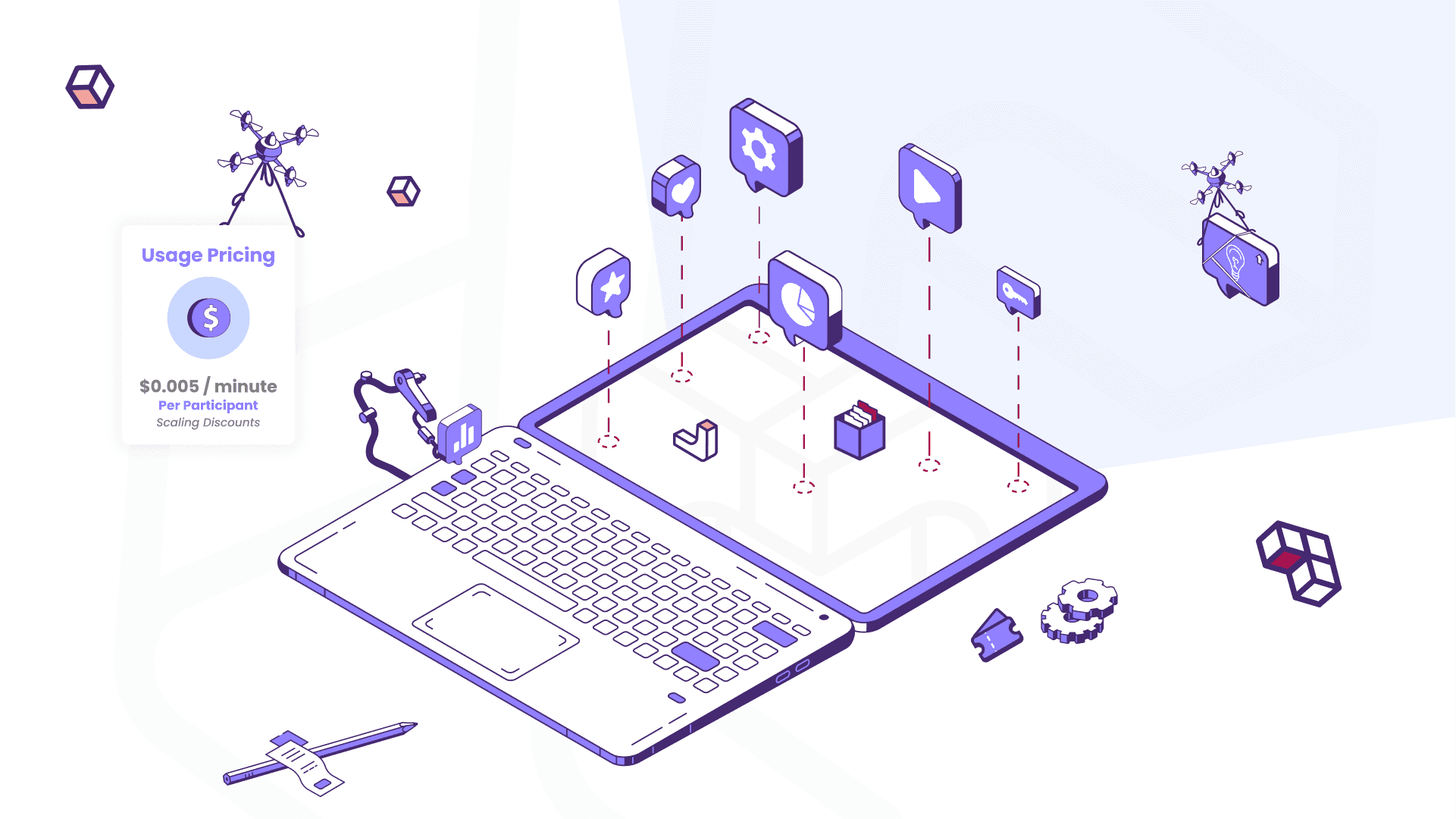
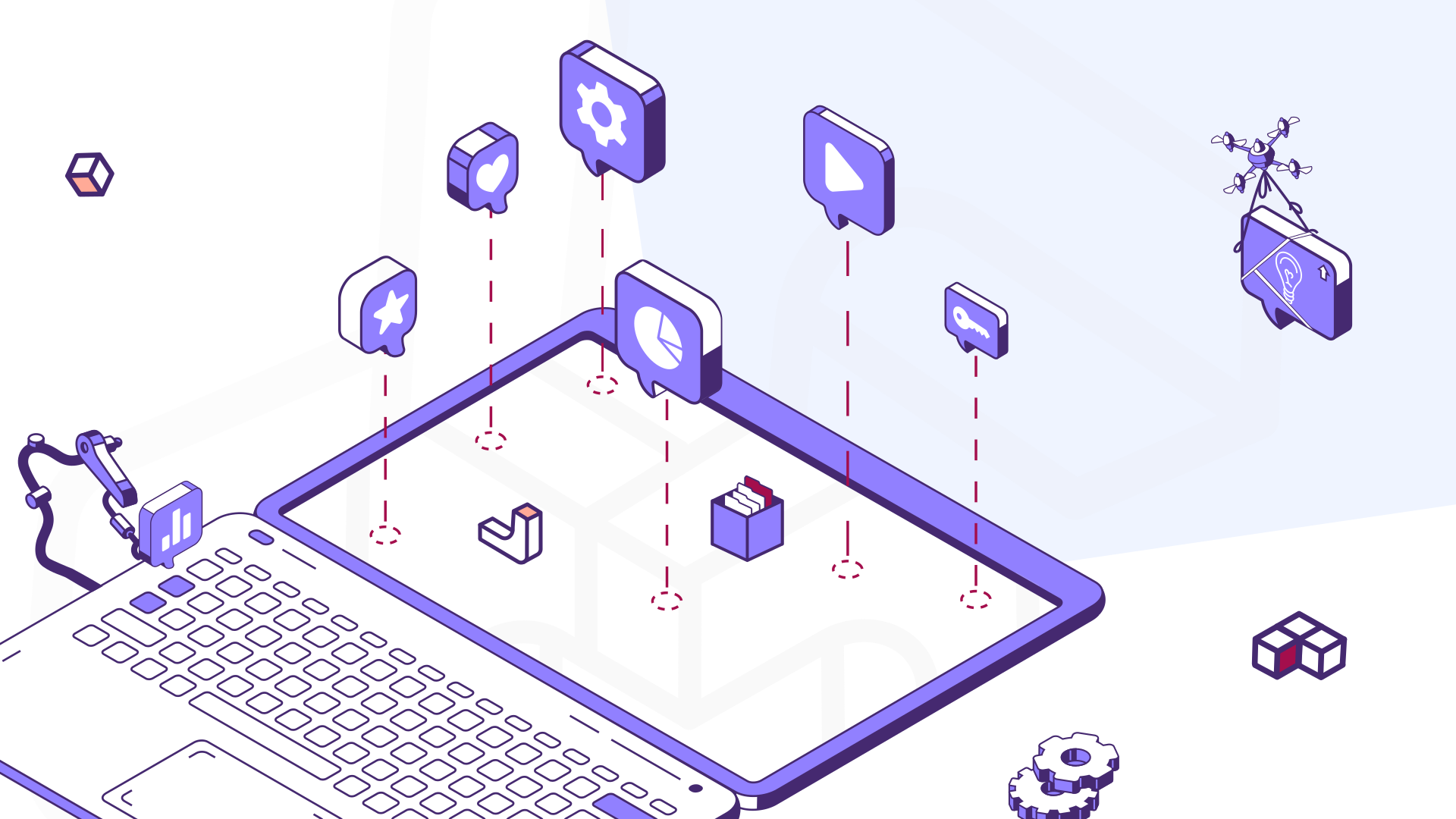
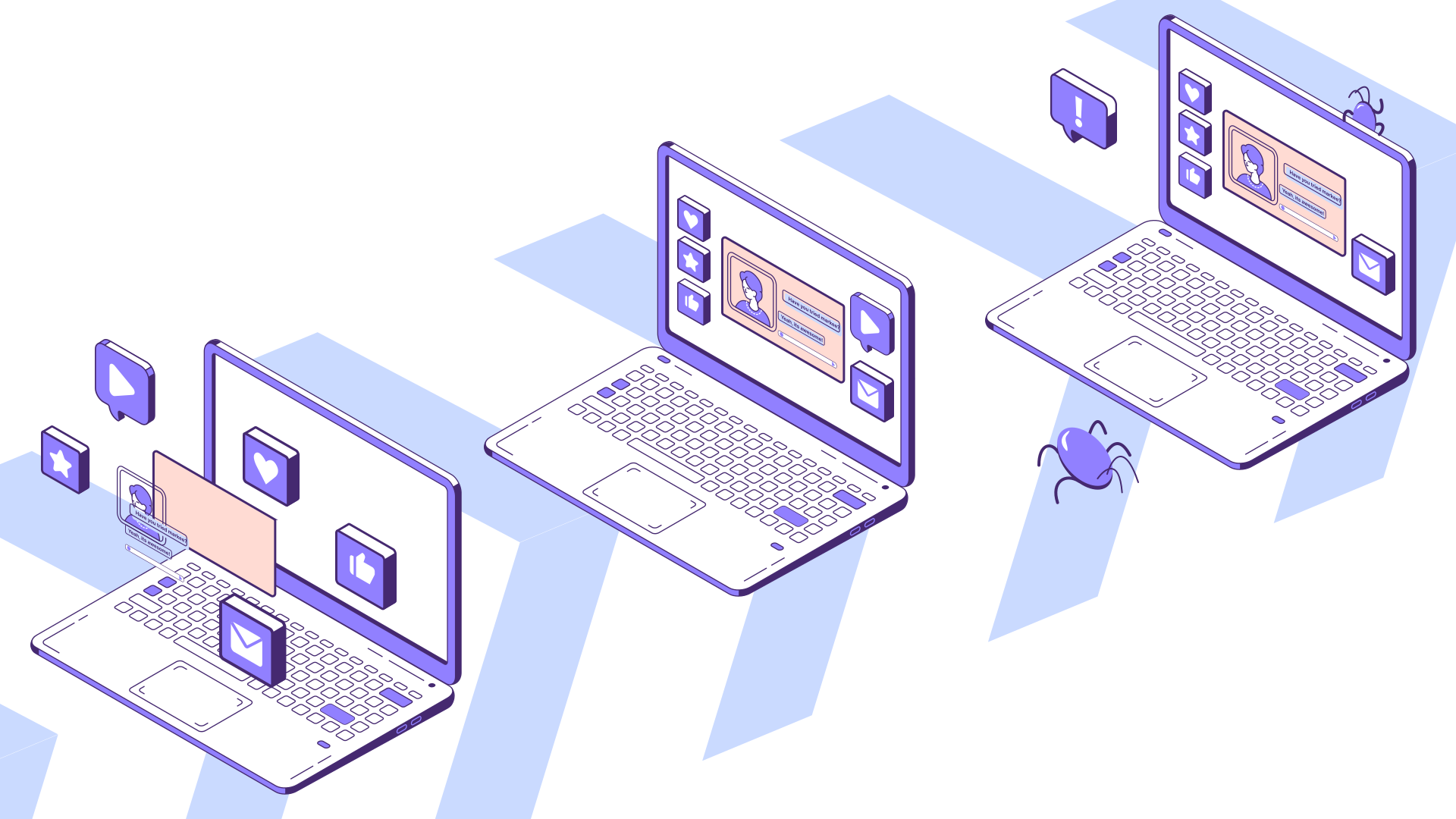
Scene #2
Speech: "You could add video chat through a typical video API. Meaning designing, developing, and testing the frontend yourself, with a few months of runway… oh and did we mention bugs?"
Keywords: #bugs, #multiple, #laptops
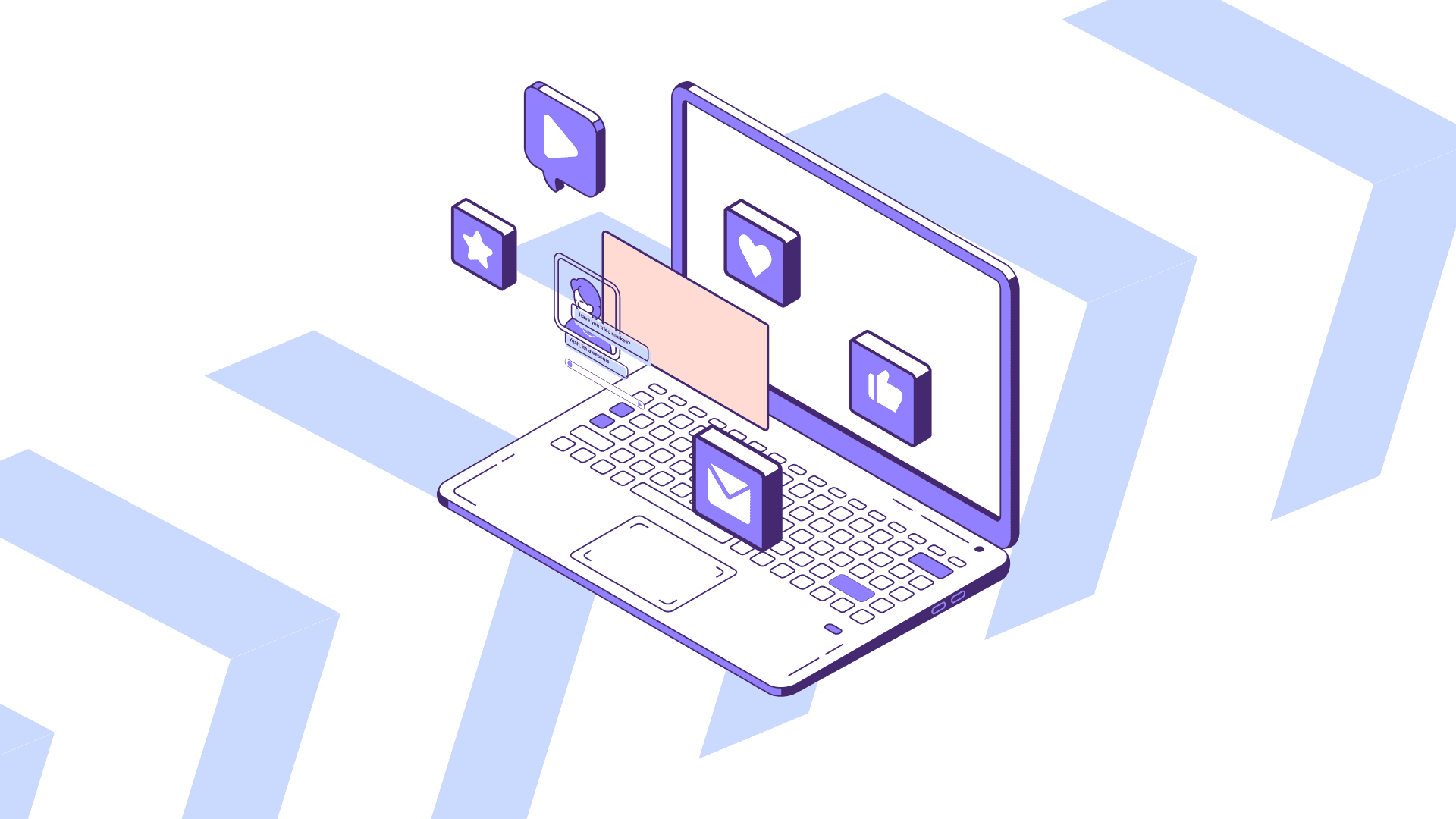
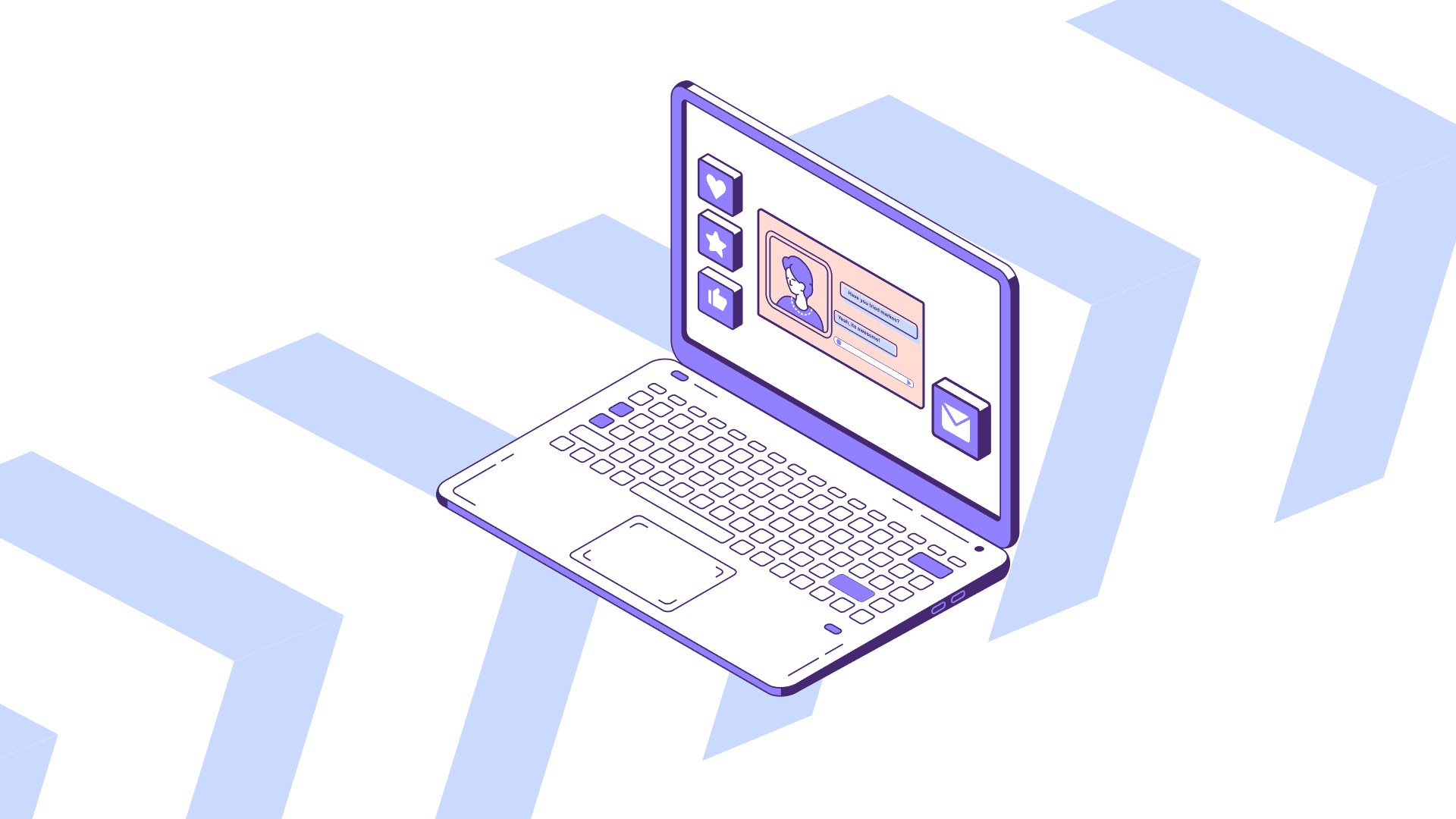
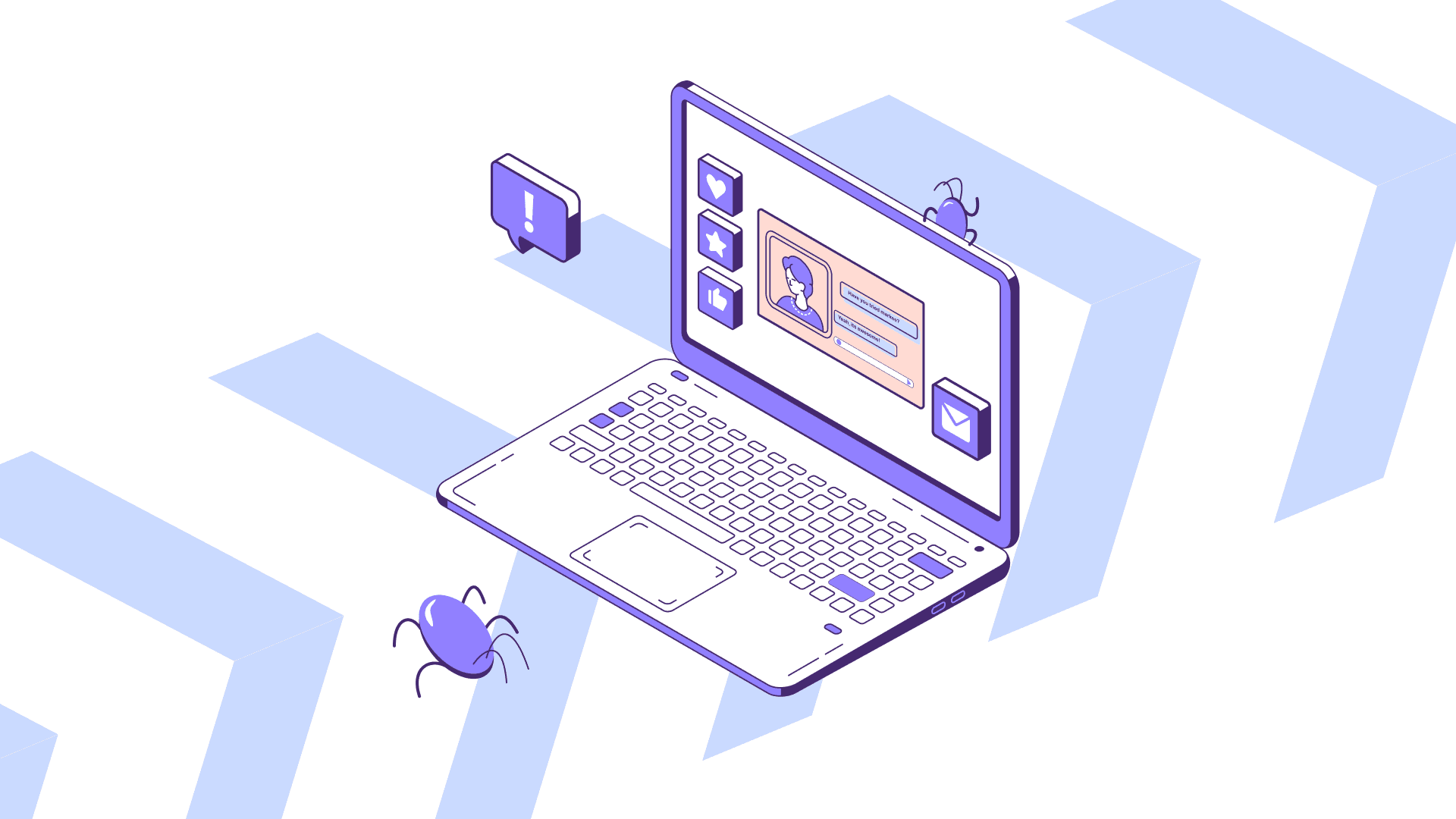
Scene #3
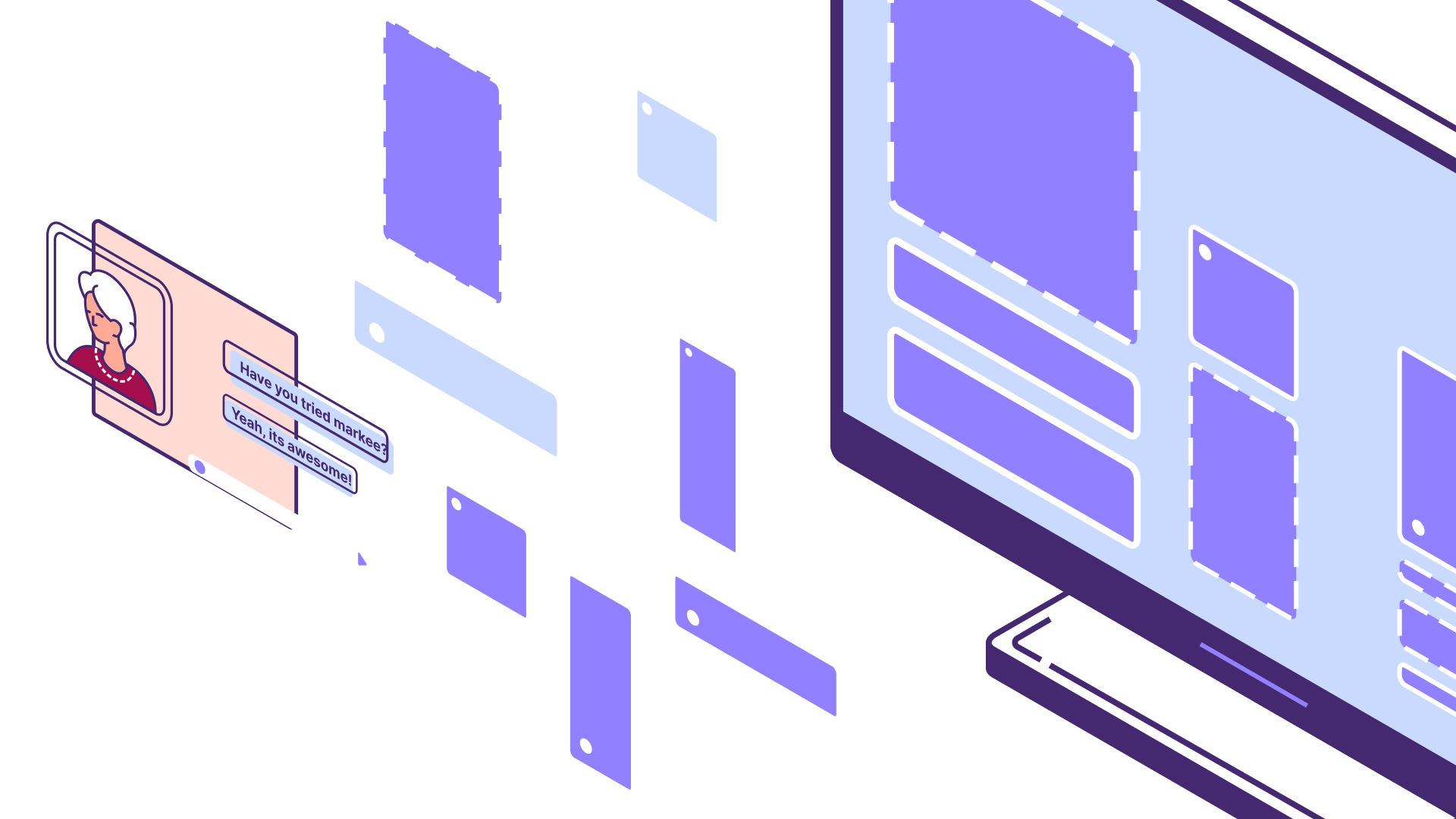
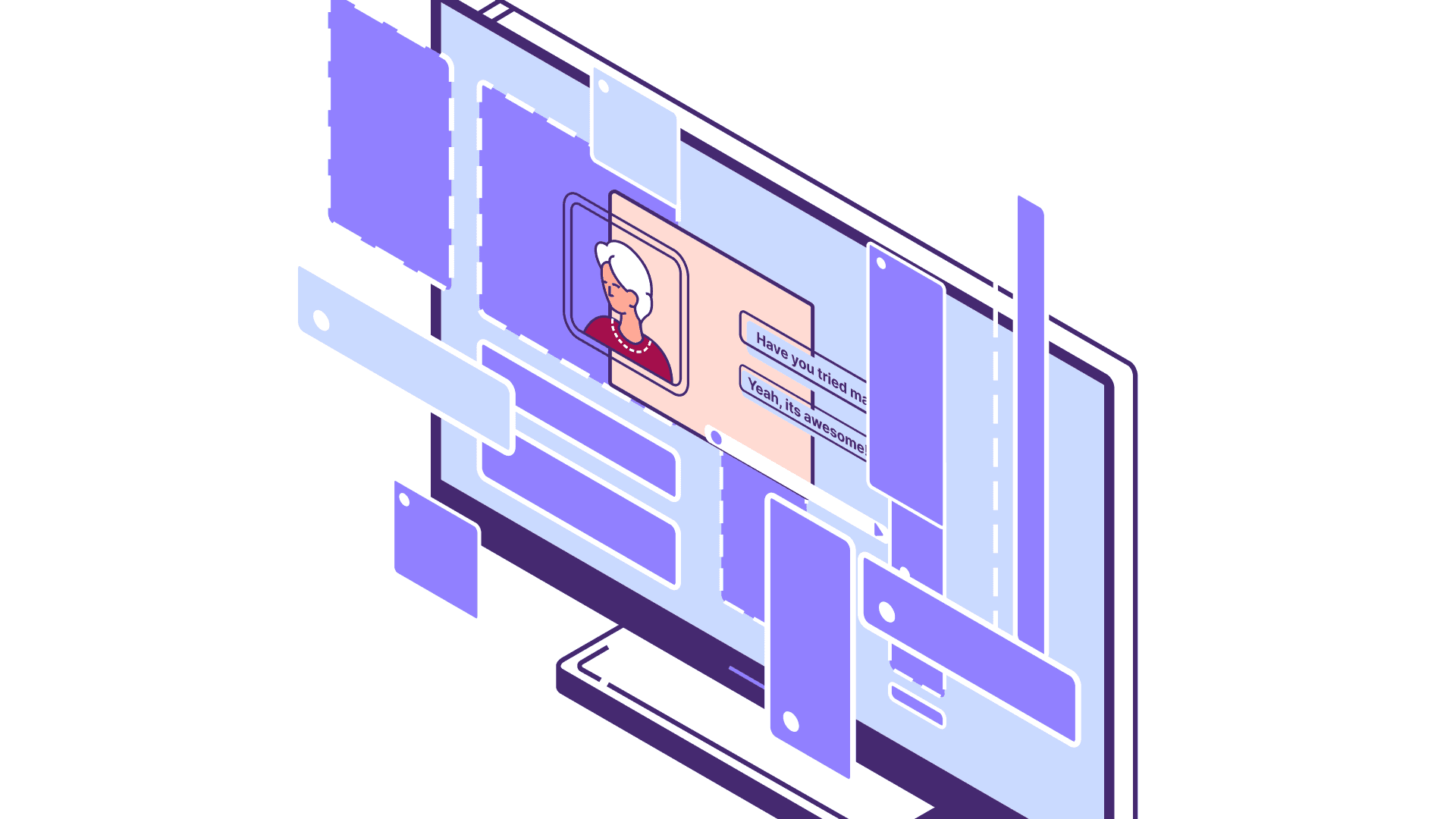
Speech: "Or you could use a standalone video chat, often taking customers out of your product or not seamlessly integrating at all."
Keywords: #patches, #pasted, #glitchy
Scene #4
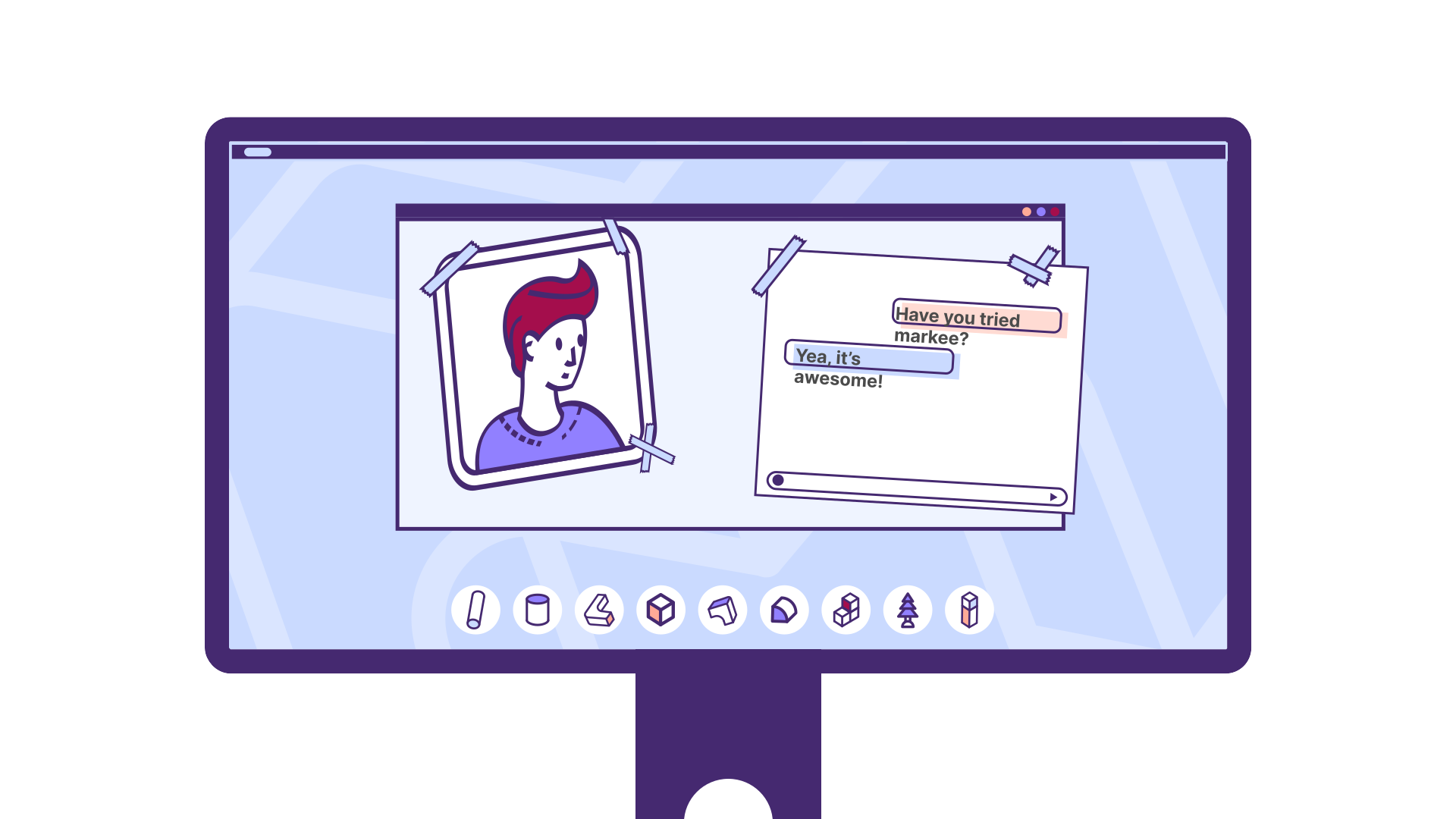
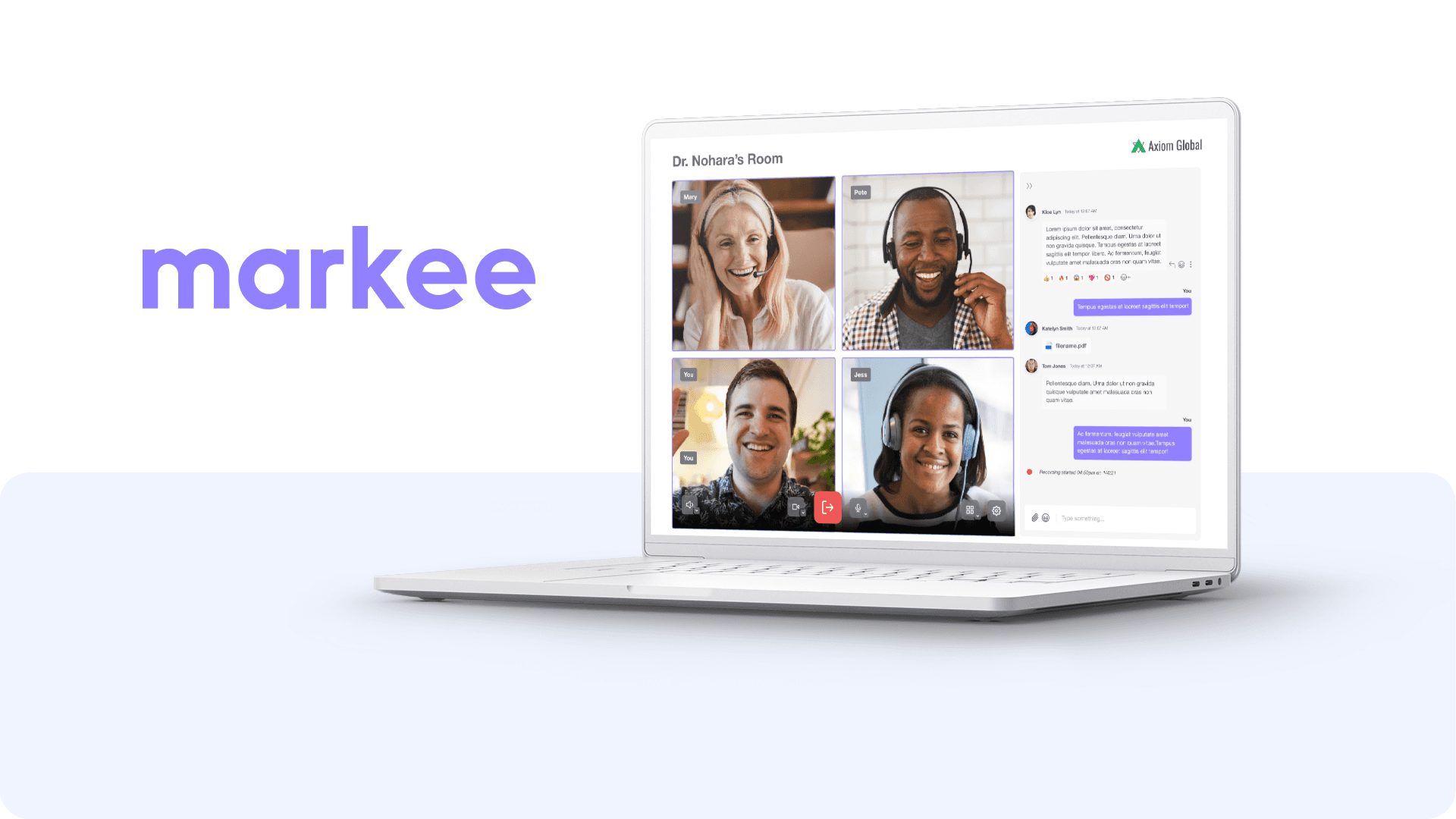
Speech: "Markee changes that."
Keywords: #brand, #logo
Scene #5
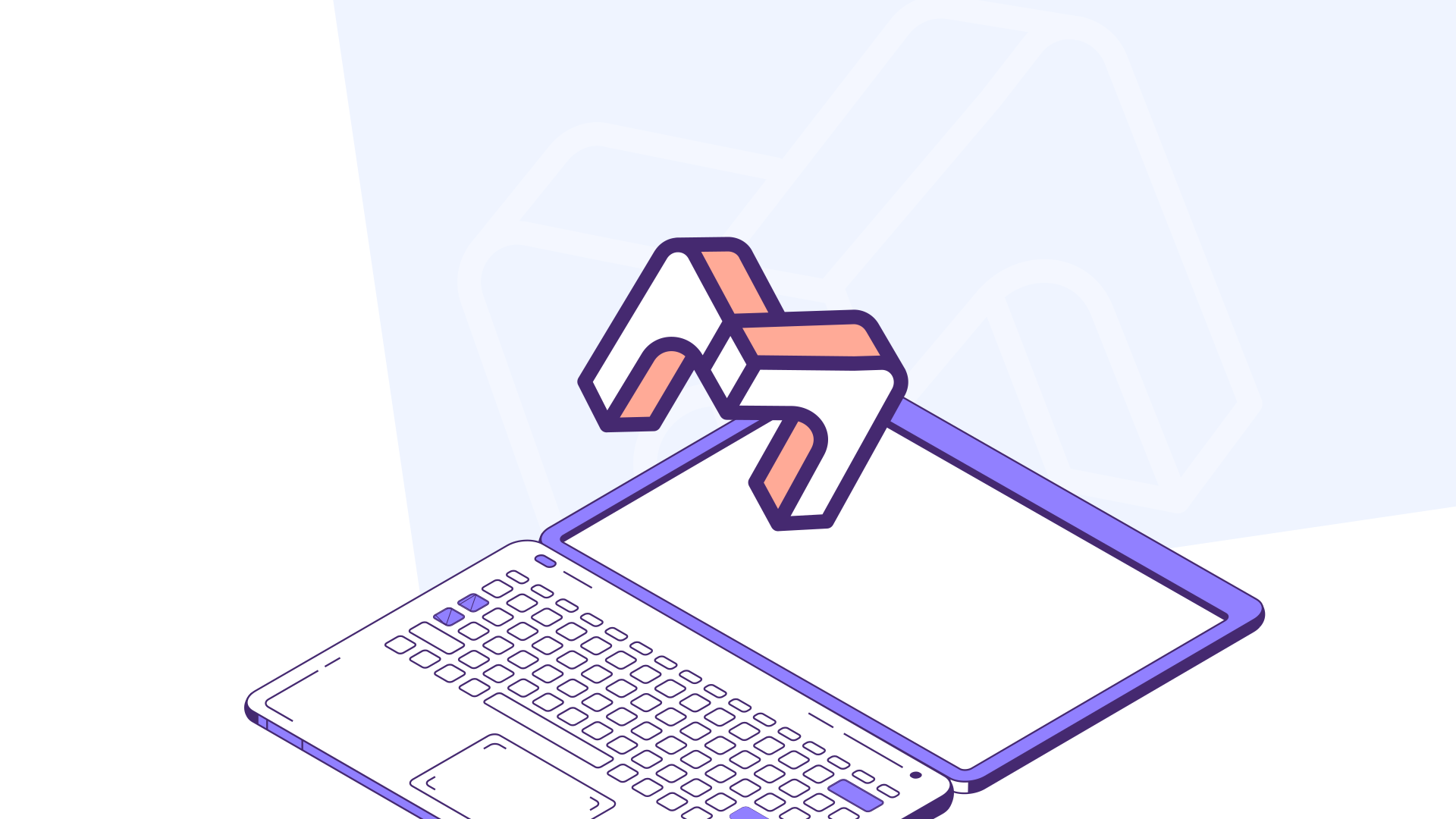
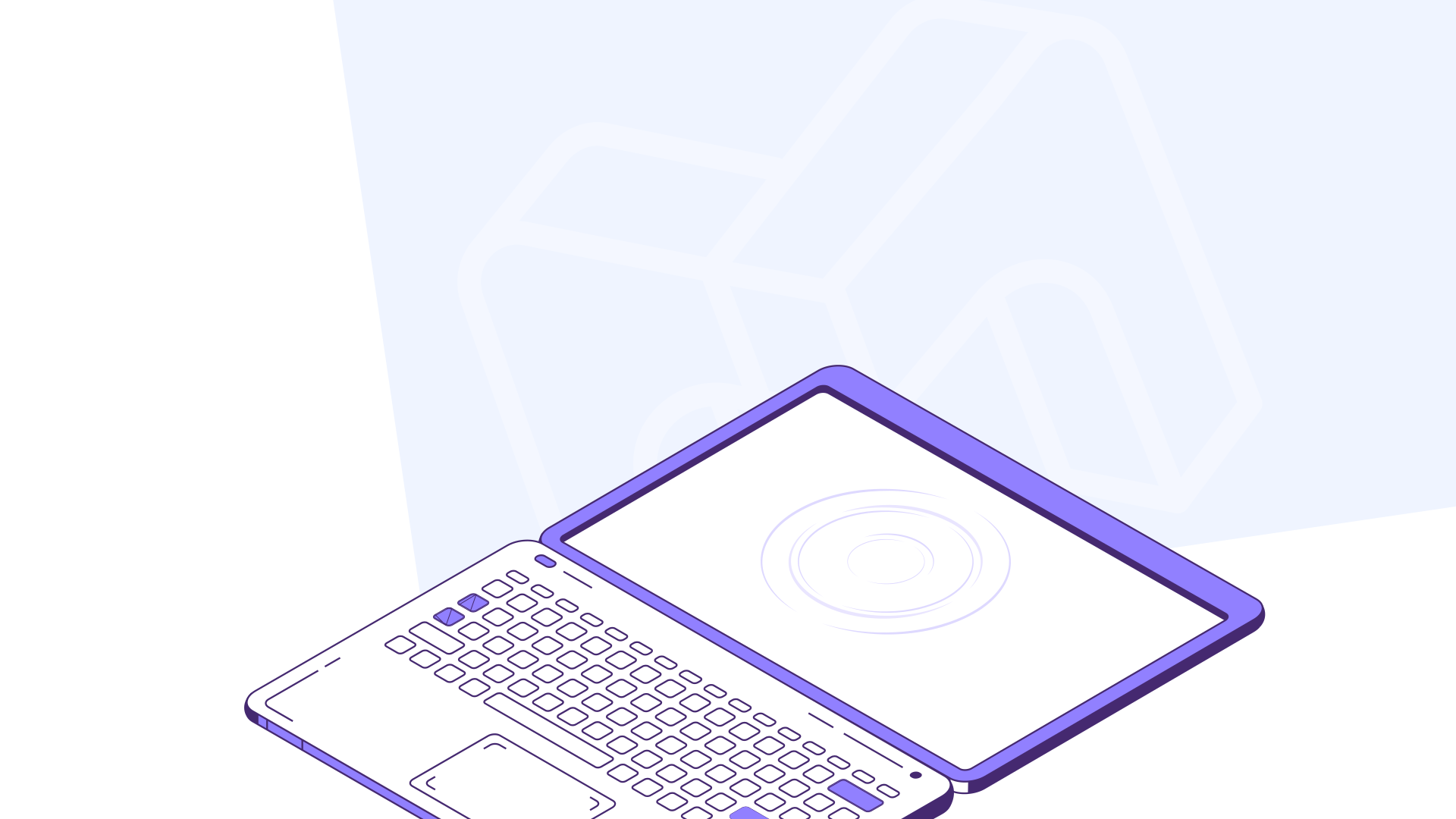
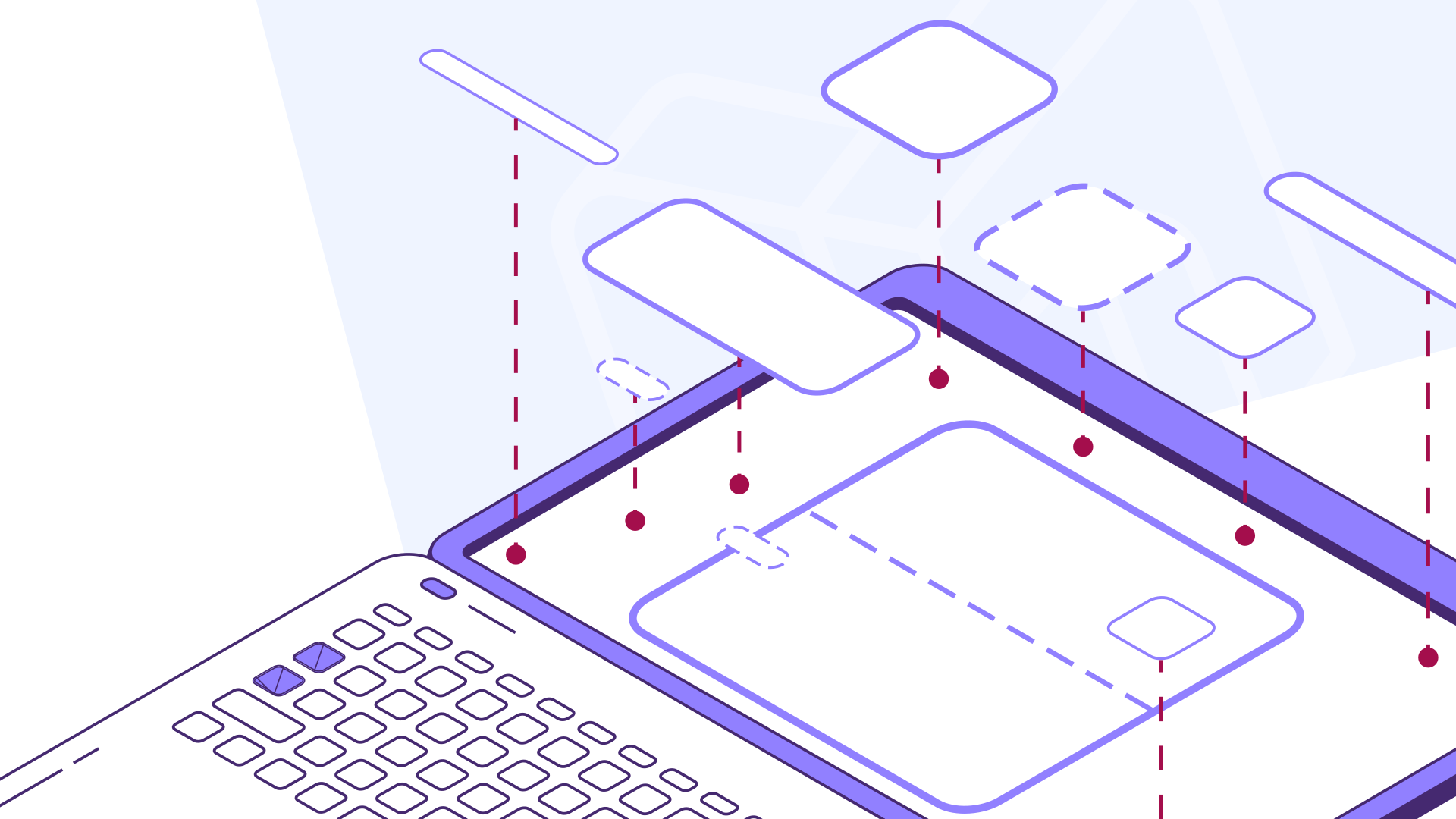
Speech: "Attach Markee to your domain, or use one of ours. Then customize your interface with a few clicks."
Keywords: #drag&drop, #attach, #simple, #frame
Scene #6
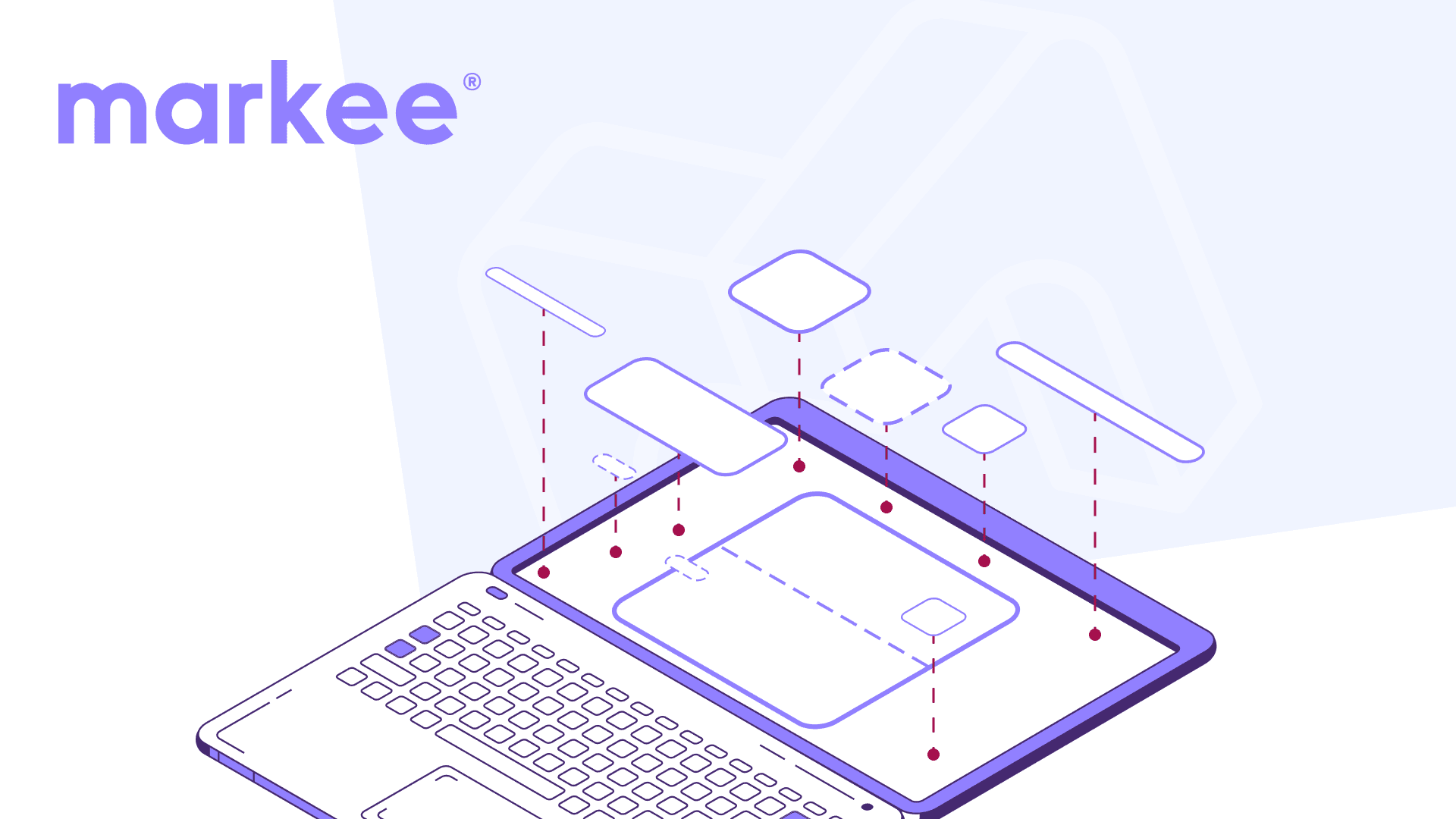
Speech: "Add logos, change colors, fonts, even favicons, you get the idea. Once your player looks the way you want, it’s time to deploy."
Keywords: #add, #production, #massive,#components
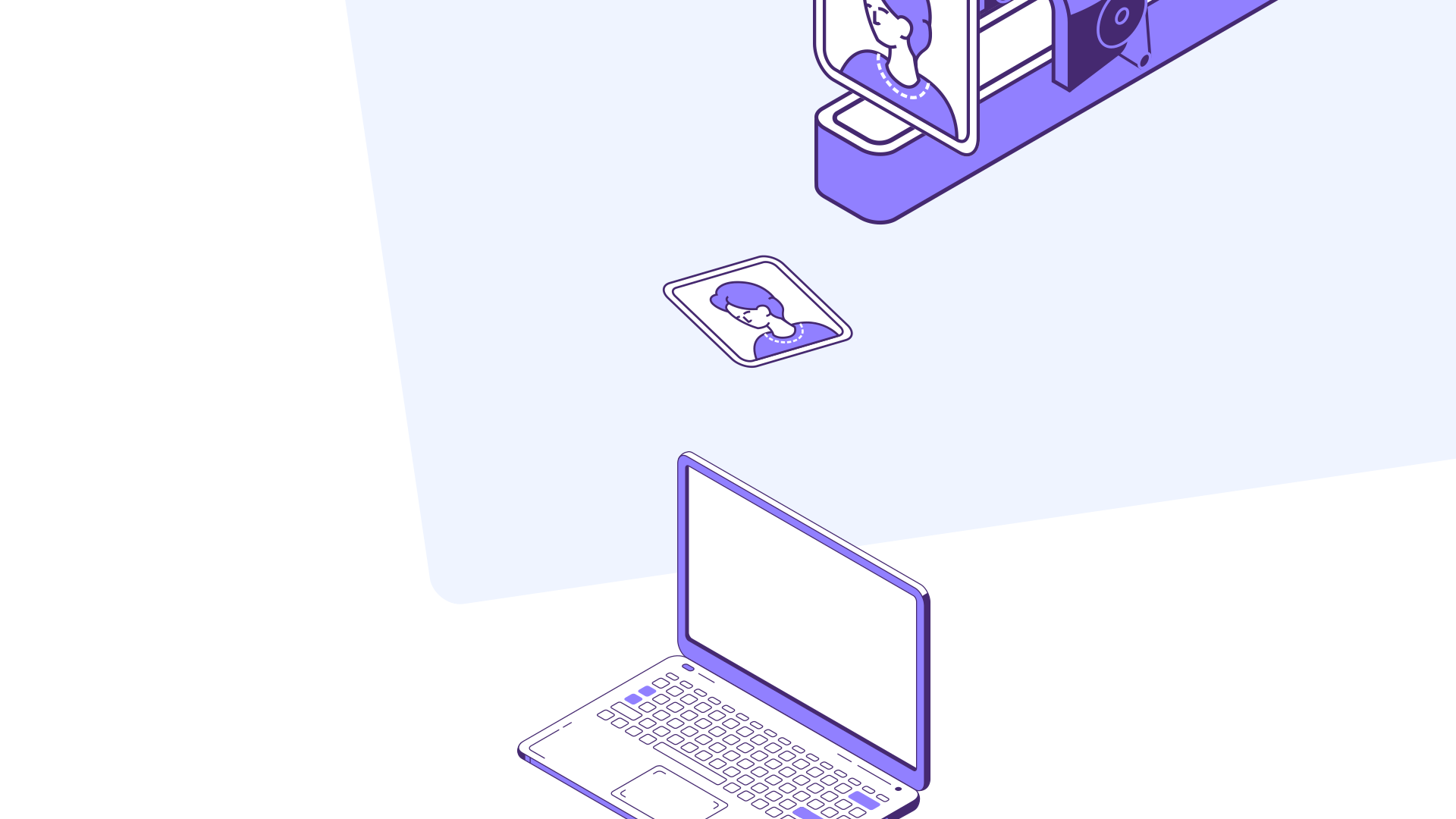
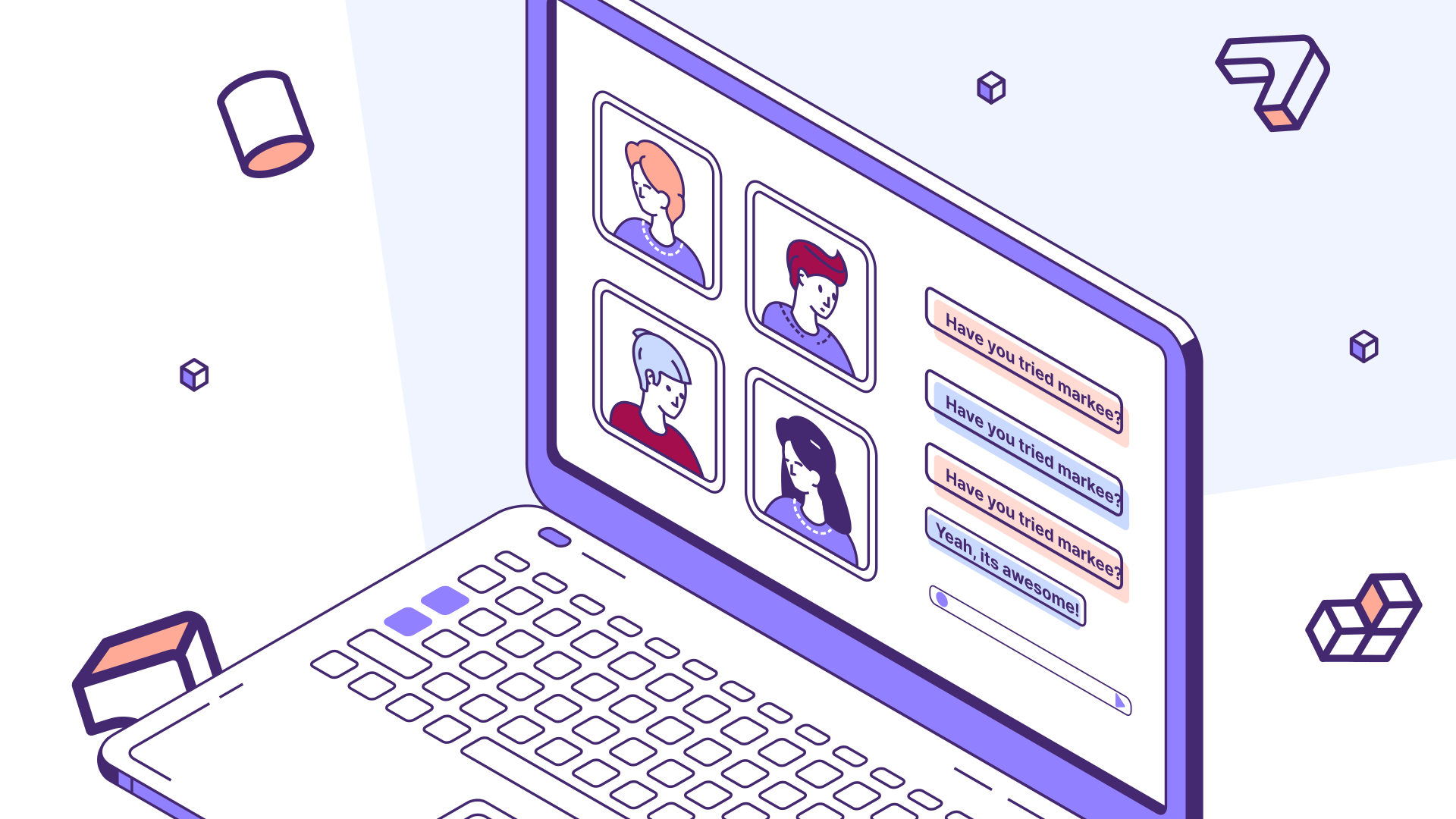
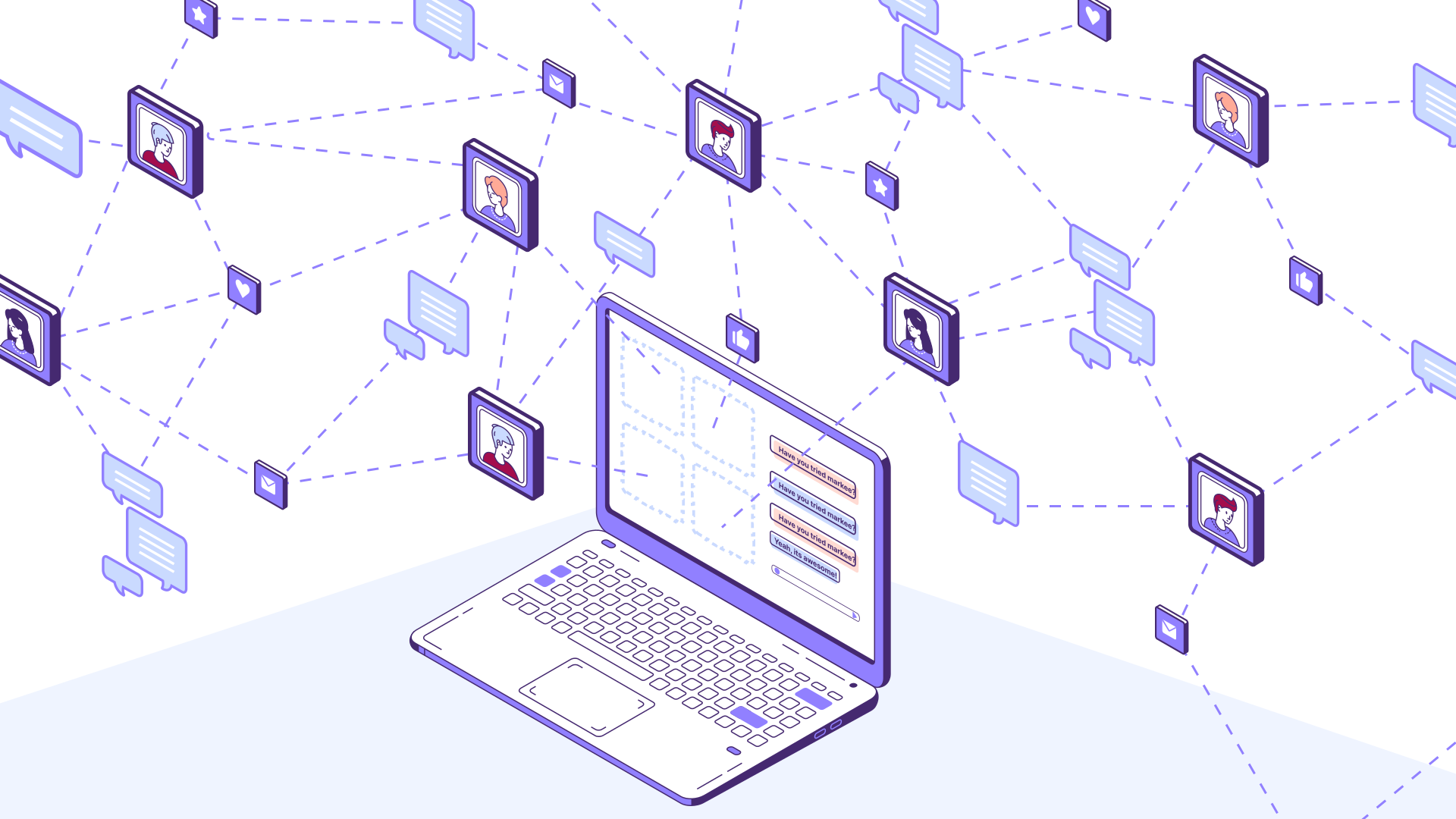
Scene #7
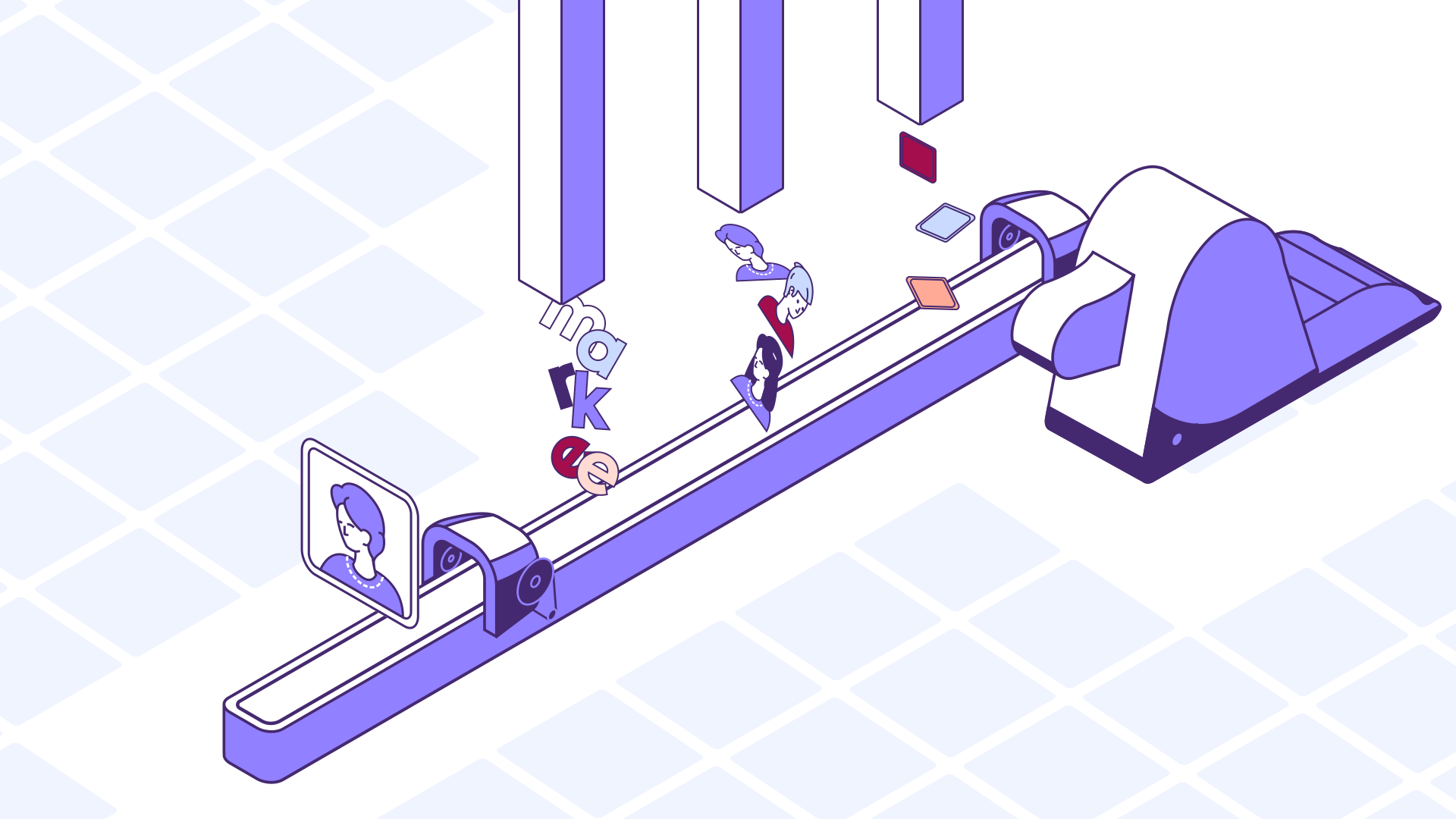
Speech: "Taking advantage of our Rest API, you can generate a new video chat room, then put it wherever you’d like. Embed or have it open in a new tab.."
Keywords: #network, #connected, #videochat
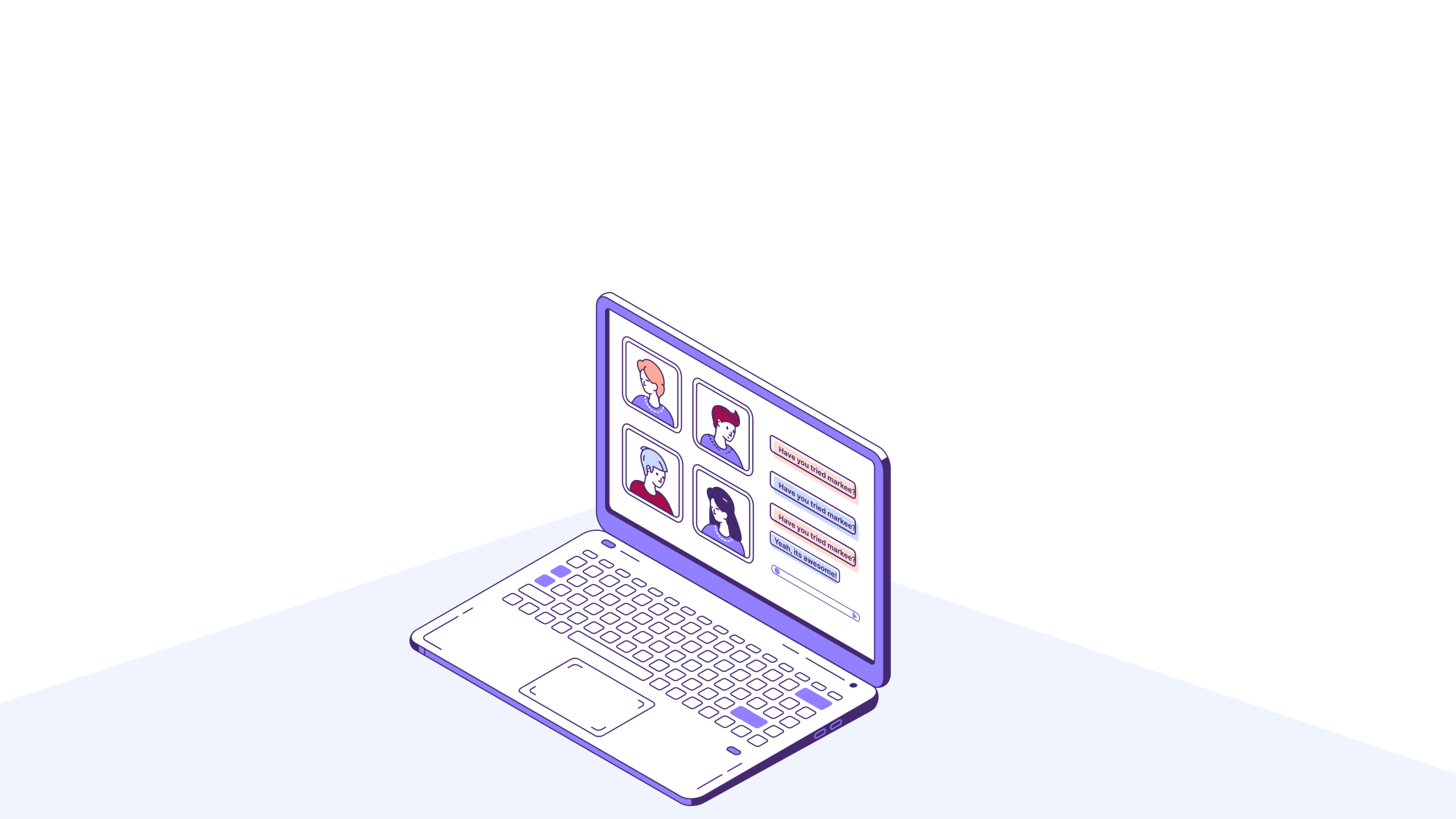
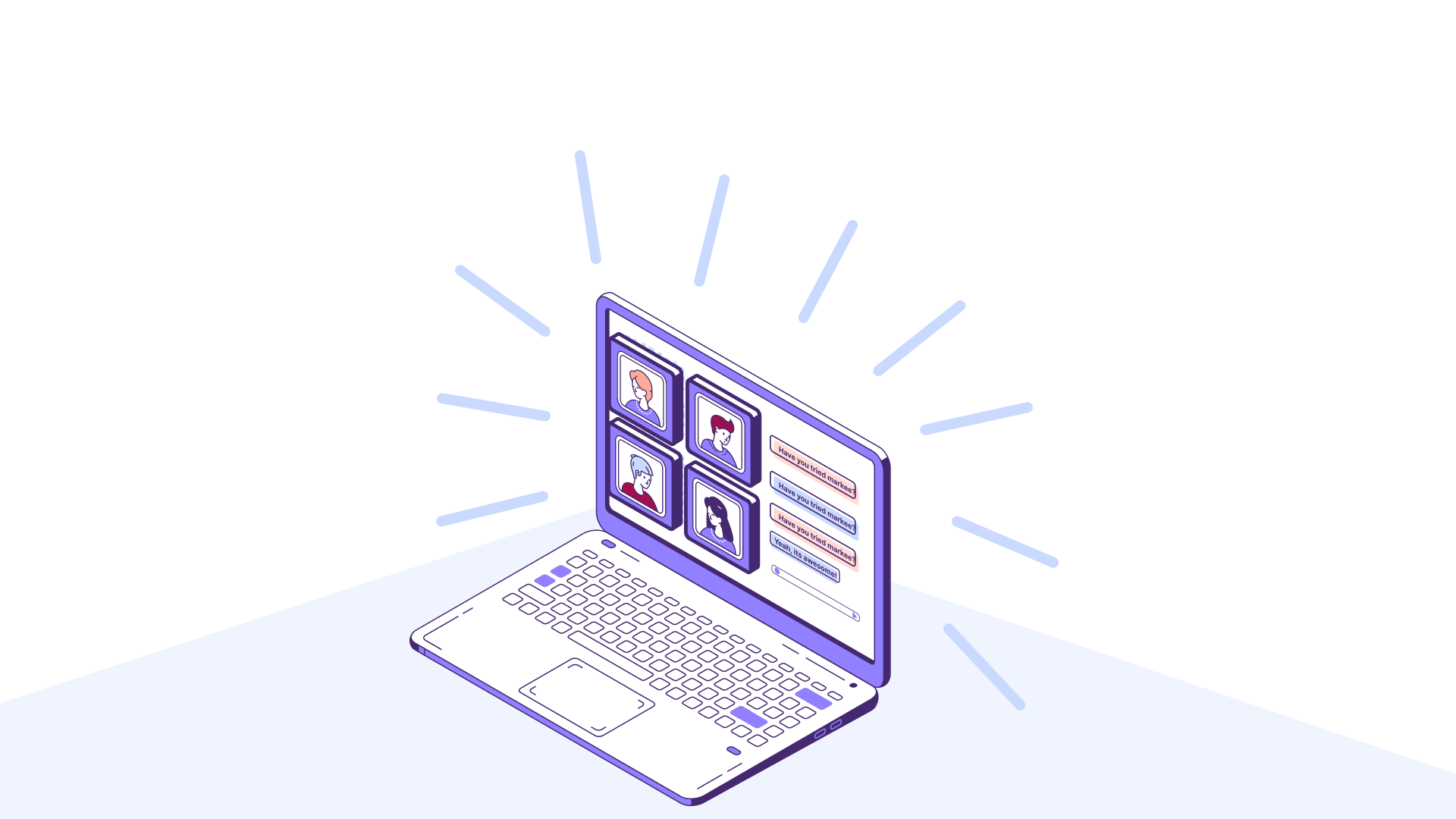
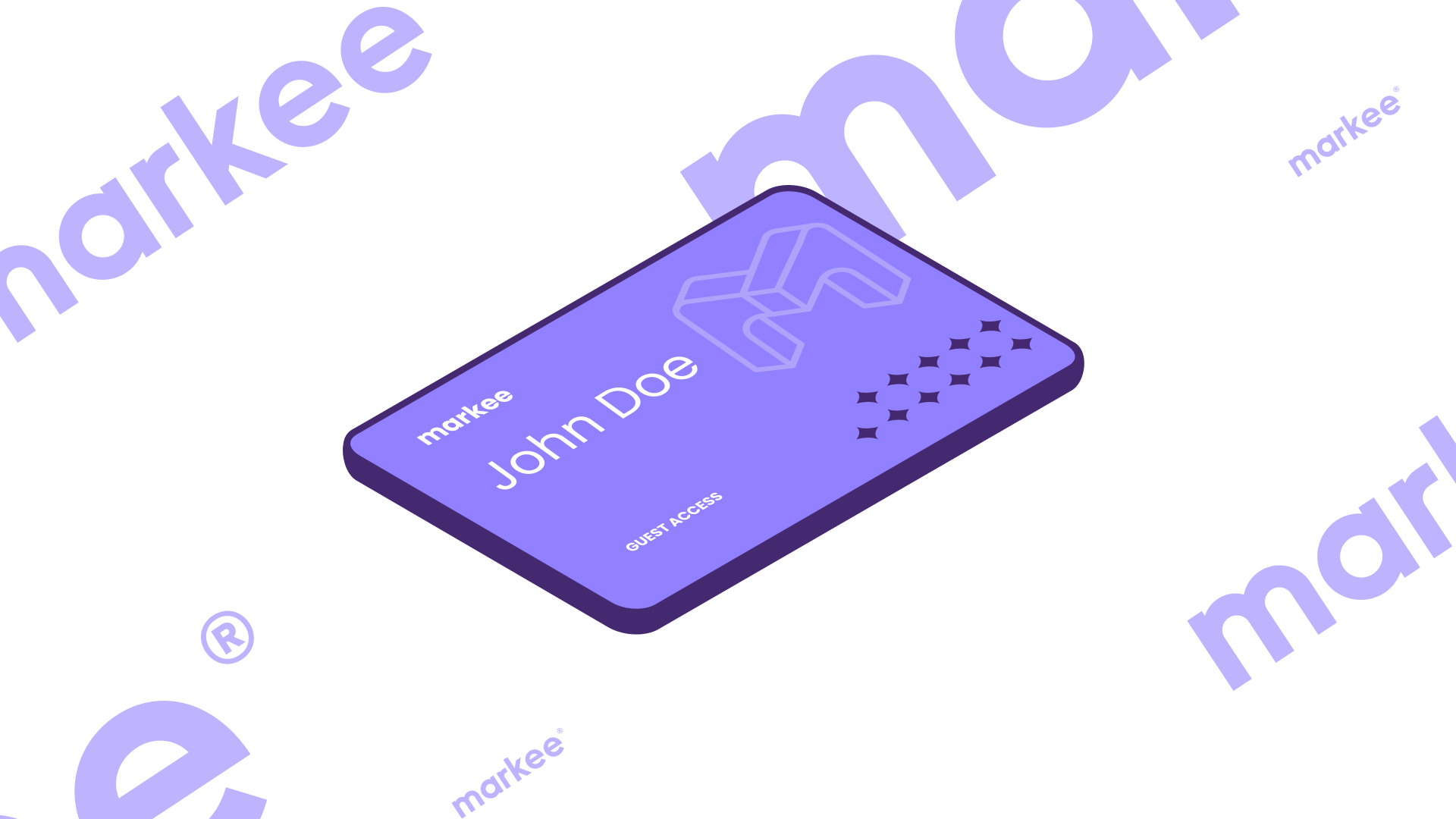
Scene #8
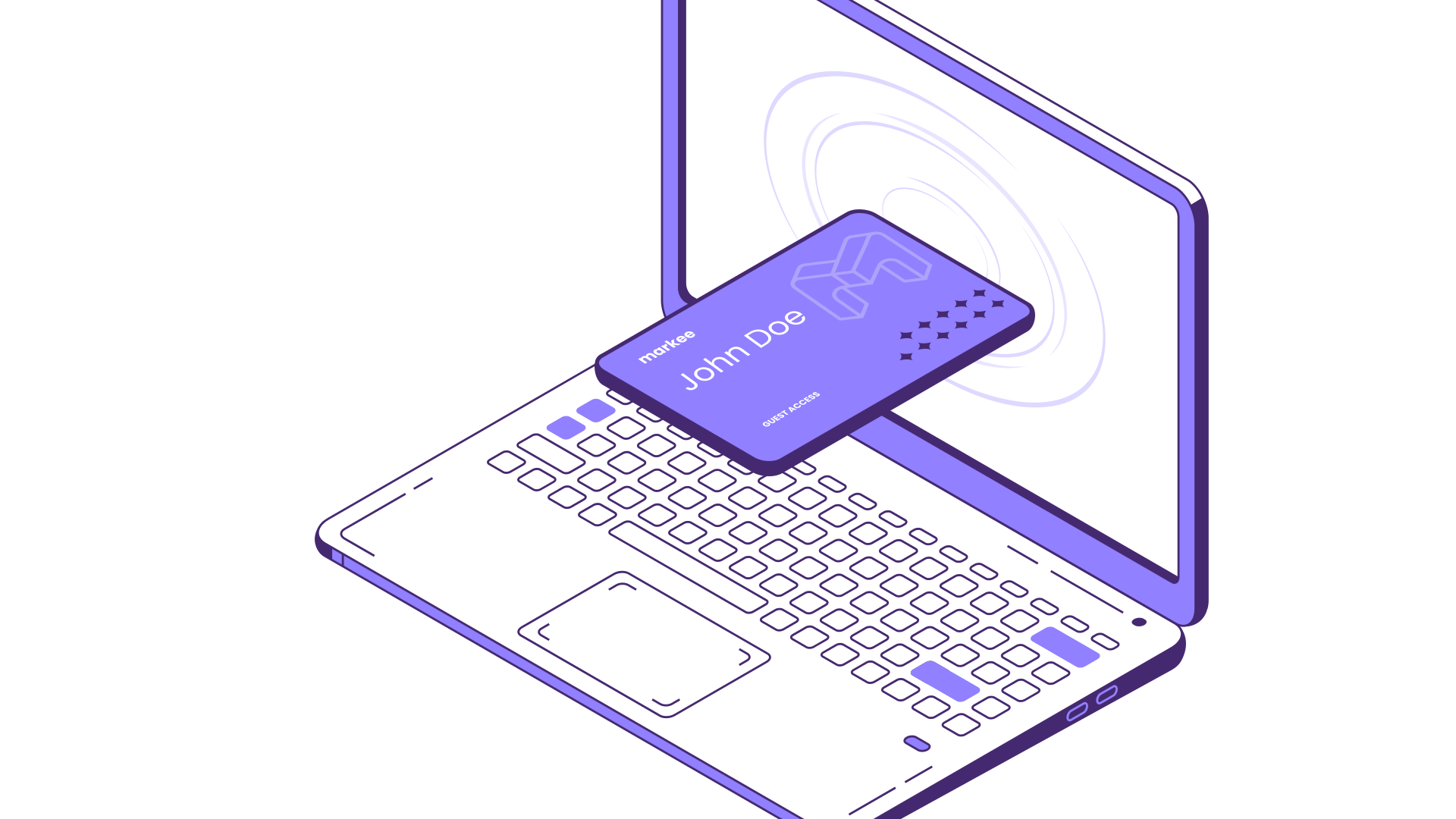
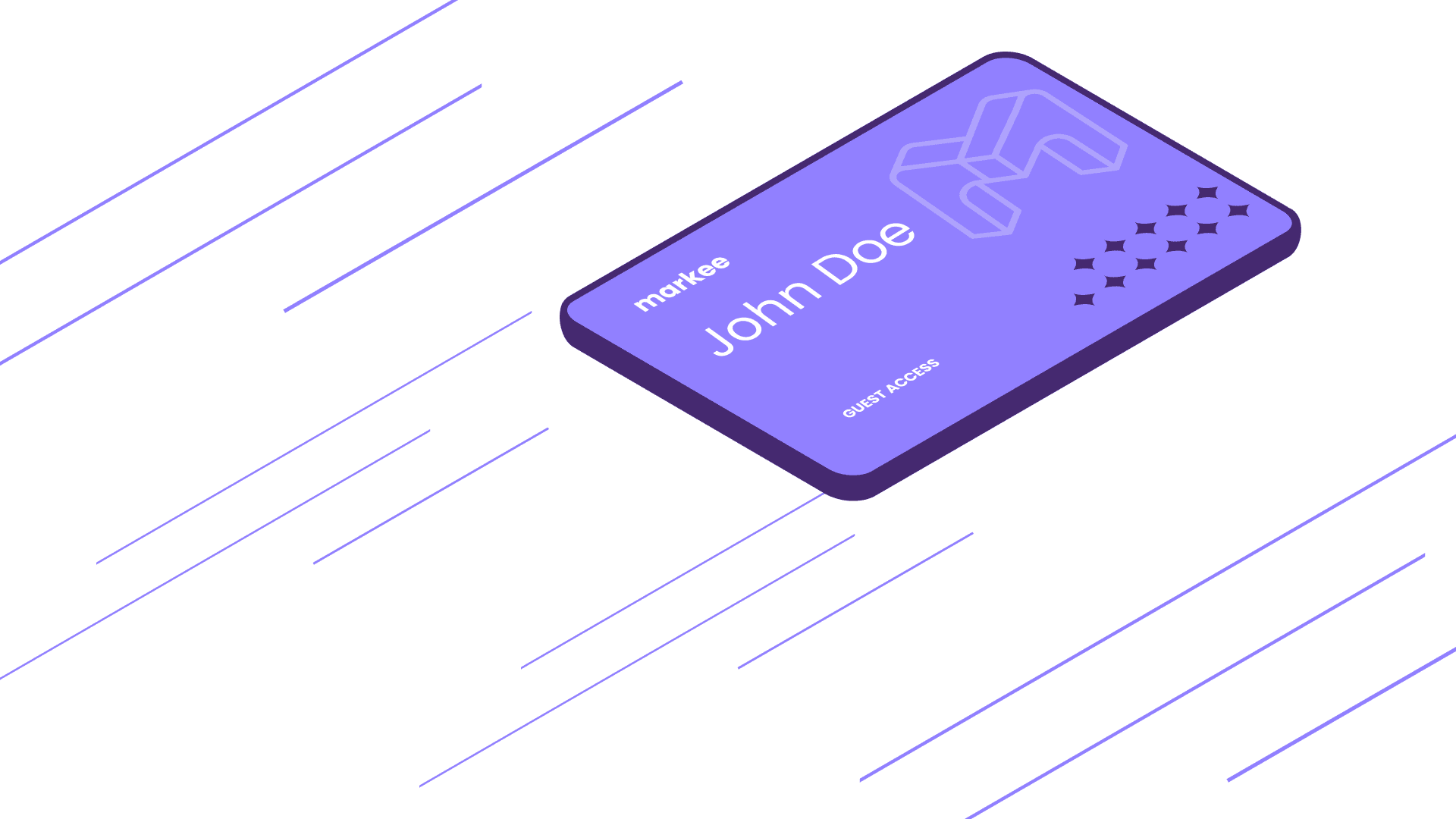
Speech: "Then generate access tokens for the admins or guests, and put them where you want them whether it's a button or an invite."
Keywords: #admin, #guest, #token, #button, #invite
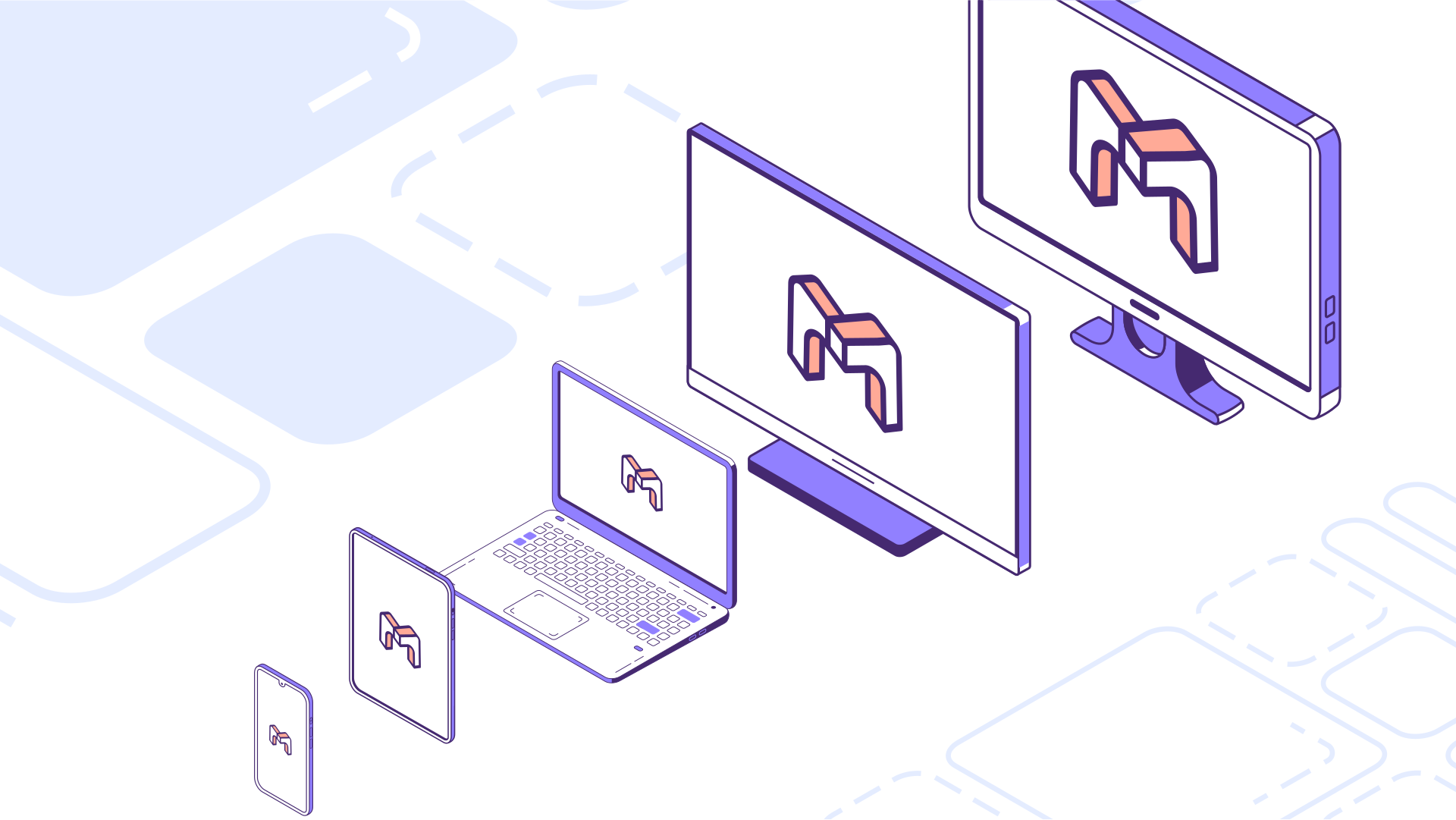
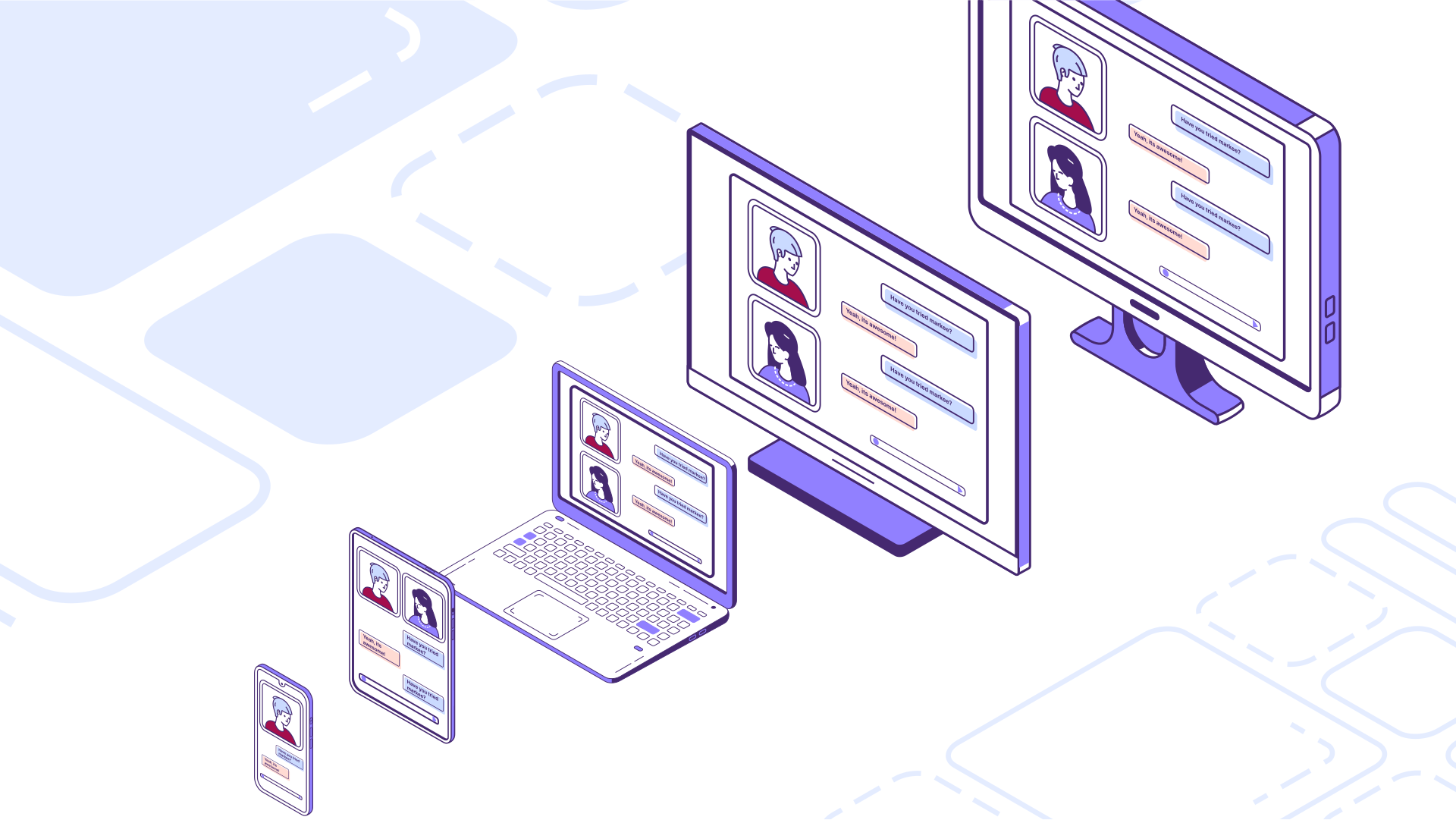
Scene #9
Speech: "And that’s it, you’ve deployed Markee’s video chat into your product."
Keywords: #multiplatform, #All-in-one, #1Product4All
Scene #10
Speech: "Want to learn more? Check out our website or schedule a demo, we would love to chat with you!"